





Dear PowerArchiver Users,
Here is our latest update to PowerArchiver 2018 – version 18.01.04.
For this month’s update, we have made some usability improvements as well as fixed some of the reported issues. One of the major changes is the handling of UAC elevation when it is required. For instance, when compressing or extracting archives in the Program Files folder. This is now handled much better and now UAC elevation works with all formats in PowerArchiver when compressing and extracting files in protected folders that need admin elevation. This includes ZIP, ZIPX, RAR, 7z, PA, ISO, TAR, CAB, etc.
Improvements:
- UAC elevation for rar, 7z, pa and all other formats – New way for UAC elevation, works with all formats available in PowerArchiver.
- Usability improvement in archive with single folder – Auto open first level in folder treeview when archive is opened.
- Better settings saving for 7z – Save last used encryption settings for 7z format.
- Usability improvement in Shell config – Ability to move Compress w Options to shell submenu.
- Modern: preview toolbar missing – Fix for specific instances when the preview toolbar was missing in Modern interface.
- CMD switch for starting PA in archive mode – Powerarc -archive test.zip should open archive in archive mode.
- Updated Translations – Updated Dutch and Korean translations.
- Encrypt tool improvement – Make “My Documents” the default folder for Browse button in Office/PDF encrypt(decrypt) tools.
- Backup Improvements – Update New Backup script save dialog with better wording.
- 7z encryption fixes – 7z not encrypting filenames in encrypt tool is now fixed.
- Password Manager improvement – Encrypt Tool saving password after archive creation added as part of PPM when enabled.
- Advanced Add window changes – Remove zip archives from treeview in advanced add window.
- ZIPX support improved – Better support for encrypted zipx (jpeg codec and AES encryption).
- Other Improvements and Fixes – Various smaller fixes/improvements and translation updates. More than 15 issues have been closed. For the full list go to our forums.
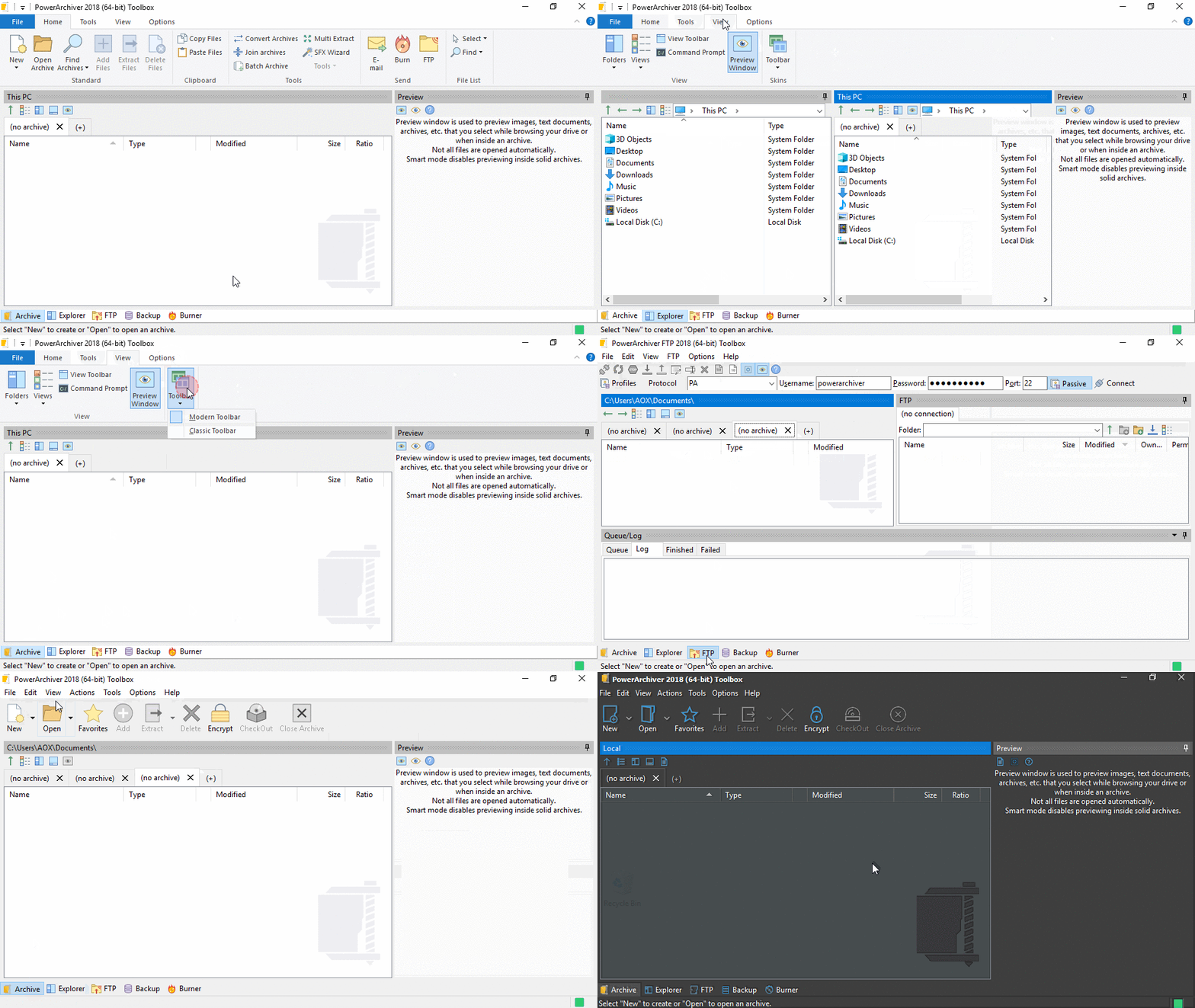
PowerArchiver 2018 is the most advanced release of PowerArchiver ever. We made PowerArchiver up to 3x faster, a difference that you will notice immediately. PowerArchiver now uses less memory and still looks great. PowerArchiver 2018 supports tabs which allow multiple archives to be opened within the same PowerArchiver window. We have also implemented a built-in PDF engine for easy and fast previewing of all kinds of PDF files. In addition to all of those changes, we have implemented a much stronger ZIP Deflate engine that will create the smallest possible, yet compatible ZIP files with full multi-core support (as many threads as your CPU supports – 16? 24? It works!). The Advanced Codec Pack – .pa format has been fine tuned for the best compression and speed on the market! For a list of additional changes in the new PowerArchiver 2018, please check out PowerArchiver 2018 Introduction.
We have also implemented a new skinning section on our website, with support for PA 2018 Skins. Check it out now.
PowerArchiver 2018, with the Advanced Codec Pack (.PA), is now available from our download page as well as Patchbeam for PowerArchiver 2018 users. Thank you for your support since 1998!
