





Dear PowerArchiver users,
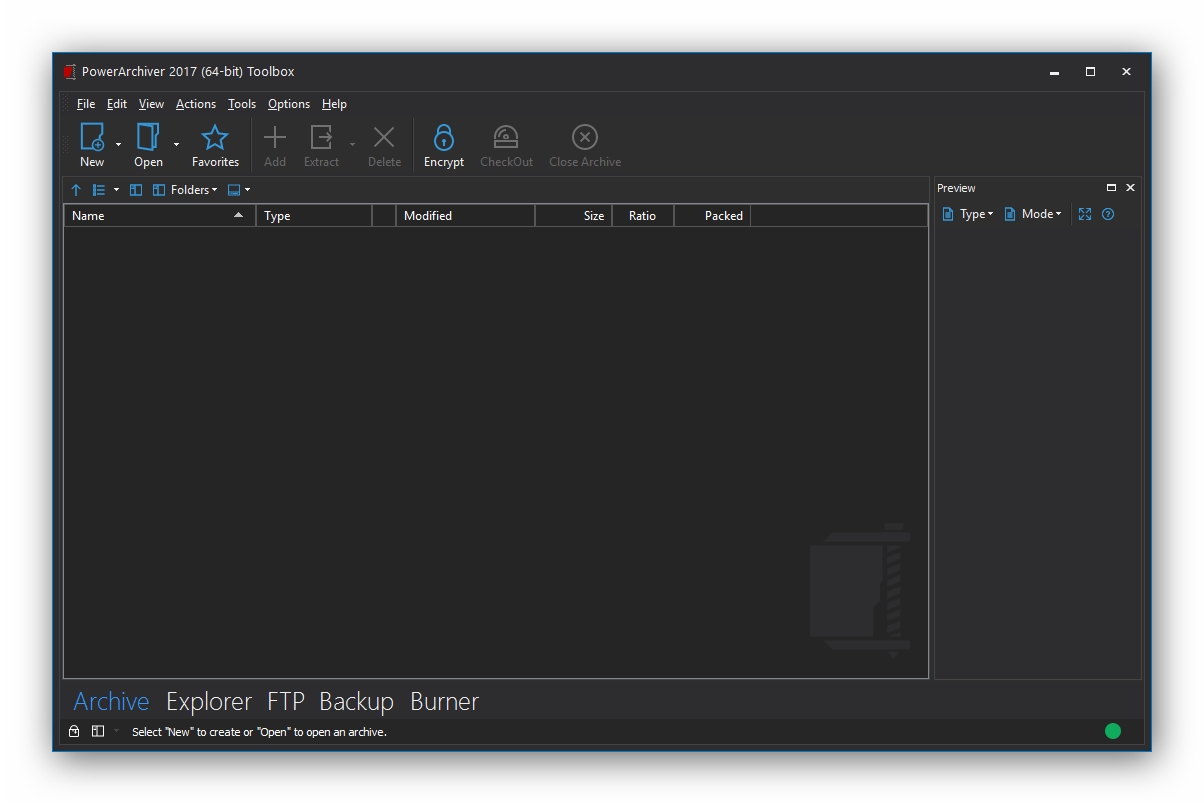
We are excited to announce that based on your feedback, we are releasing PA 2017 RC1 today. As we get closer to the official PowerArchiver 2017 release, we have made some important changes in this build. The biggest improvement is the ability to influence compression settings in Advanced Codec Pack (.pa) when Optimized Strong and Optimized Fast are selected as compression modes. Now you can increase dictionary and chunk size as well as other parameters to get even better compression (or decrease it to make multithreading work faster).
Optimized modes automatically select the best codec and codec chain to be used for the particular extension set, thus providing significantly faster speed and compression rates compared to using just a single codec. Additionally, we have optimized settings and codec parameters so compression speed/ratio has been increased for various different file types along with various other changes. New optimizations were added for many different formats since beta 2, and they provided improved compression of up to 30% for wav, s2f, ipa, apk, text, various image formats, etc., files.
PowerArchiver 2017 RC1 Major Changes since Beta 2:
Improvements
- [PA-979] – less memory usage for reflate/pdf step (plzma)
- [PA-913] – Low priority process option under queue in add window
- [PA-951] – .pa (32bit) lower memory usage for several codecs
- [PA-802] – apply font listing font to more parts of interface
- [PA-933] – use current folder/disk for temp in .pa format
- [PA-935] – new mode for raw image extensions in optimized strong
- [PA-936] – text/xml/html compression improvement
- [PA-945] – .pa – lower memory used in Optimized Strong – Normal compression
- [PA-919] – 8bit image mode for optimized strong
- [PA-925] – 24bit image mode for optimized strong
- [PA-853] – investigate and add .ipa to strong mode, reflate/plzma4
- [PA-857] – specialized wav compression step for optimized strong
- [PA-891] – add .sf2 to wav compression step (optimized strong)
- [PA-893] – use new c/d settings for wav compression step (up to 20% stronger compression)
For a full list of changes and updates since beta 2 (17.00.68), visit our forums here.
Award system for our most dedicated users
With the launch of private beta of PowerArchiver 2017, we have a more formal reward system for users that help us in detecting bugs and suggesting improvements. While previously we have given free licenses to our forum users (in 2013 everyone with more than a few posts received a free license, alpha testers always have updated licenses, etc), now there is a more formal system in place which means that everyone who reports bugs will receive a free license or a free Select maintenance plan after a few reports (depending on severity). Check it out on our forums.
PowerArchiver 2017 with Advanced Codec Pack (.PA) is now available from our download page. For more detailed info on specific features, please check other posts in our blog. We hope you will love PA 2017 as much as we do. Thank you for your support since 1998!
